
FlixFox is an Android app, and there is no official FlixFox app on the Apple App Store right now. You can still watch FlixFox on your iPhone or iPad through the web version in Safari.
Download APK for AndroidiPhones and iPads have great screens for watching movies, so it is natural to look for FlixFox on iOS. The honest answer is that FlixFox is built for Android, and the FlixFox APK cannot be installed on an iPhone or iPad. That does not mean iPhone users are left out. This guide explains what works on iOS today, how to watch FlixFox in your browser, and how to stay away from fake apps and files that claim to be FlixFox for iPhone.
No. There is no official FlixFox app on the Apple App Store at the moment. If you search for FlixFox there, any app you see is not from the FlixFox team, even if it uses a similar name or icon. Do not download apps that only look like FlixFox, and never pay for an app that claims to be FlixFox for iPhone.
An APK file is the installation format for Android. iPhones and iPads use a completely different system and only install apps from the App Store, so tapping an APK on iOS does nothing. Websites that offer a FlixFox iOS APK, a FlixFox IPA file or a special configuration profile to install FlixFox on iPhone are not official. These files can put your Apple account and personal data at risk.
The simplest way to use FlixFox on iOS is the web version:
There is nothing to install and nothing to download, so your iPhone stays exactly as it is.
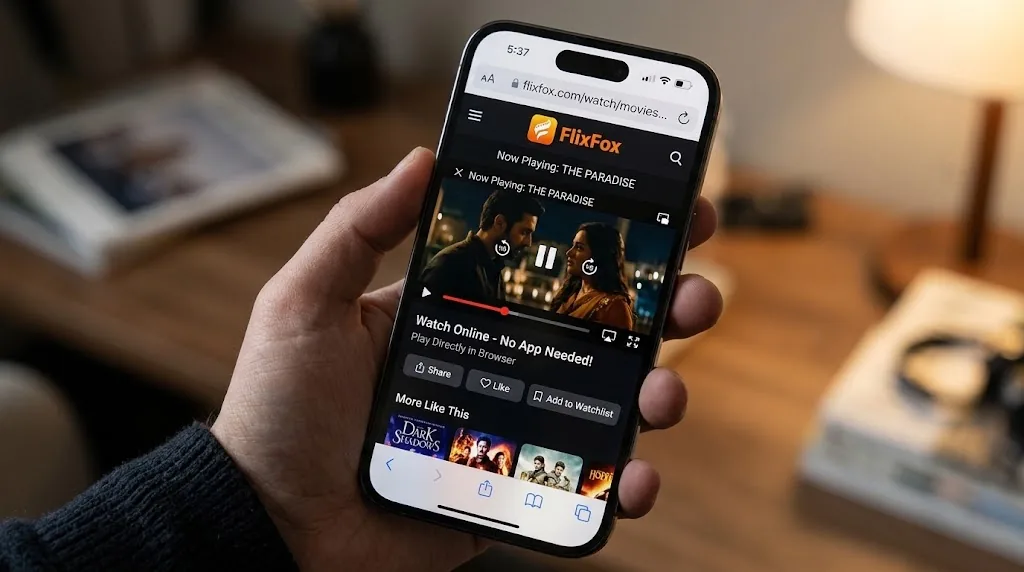
You can make the web version feel like an app with a home screen shortcut:
Because many people search for FlixFox on iPhone, some websites try to take advantage of it. Watch out for:
If you see any of these, close the page. Official FlixFox news is shared only on the official website.
Check your internet connection, then close and reopen Safari.
Switch to a stronger Wi-Fi network, or try a lower picture quality if available.
Remove the shortcut, open the site again in Safari and add it to your home screen once more.
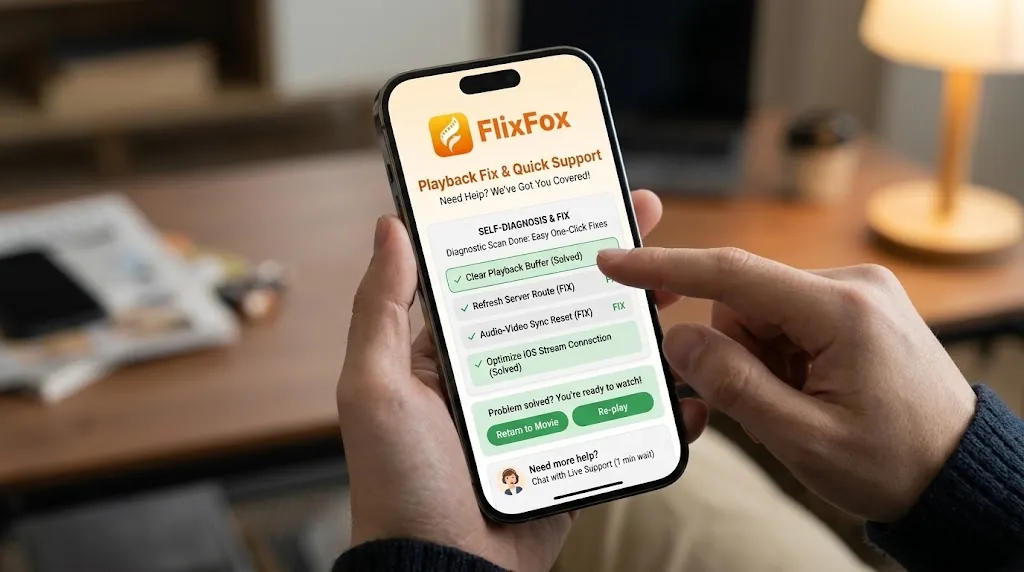
If you want the full app experience with offline downloads, you can use FlixFox on any other device you own:
Here is what to expect when you watch FlixFox on an iPhone or iPad.
FlixFox does not have an iOS app yet, and the APK will not work on iPhone or iPad. The safe and simple option is the web version in Safari, which you can pin to your home screen in seconds. Skip any site offering FlixFox IPA files or profiles, and if you also own an Android device, install the official app there for the complete experience.
No. There is no official FlixFox app on the Apple App Store right now.
No. APK files work only on Android. iPhones and iPads cannot install them.
No. Any FlixFox IPA or profile you find online is unofficial and may be unsafe.
Yes, through the web version in Safari, the same way as on iPhone.
Any news about an iOS version will be shared on the official website first.